Get help on WhatsApp
Technical support for teachers and academies is on WhatsApp only, at +1 929-529-8312. This is our permanent support number. We do not offer email support. Applications, CVs and recordings are accepted only on the portal — WhatsApp is for help with the form.
Message technical support
Or use the green Need help? WhatsApp support pill on any portal page.
1. How to message support
You can reach us in three ways — they all go to the same WhatsApp number:
- Tap the green Need help? WhatsApp support pill at the bottom left of any non-admin portal page. A message is pre-filled with the page you are on.
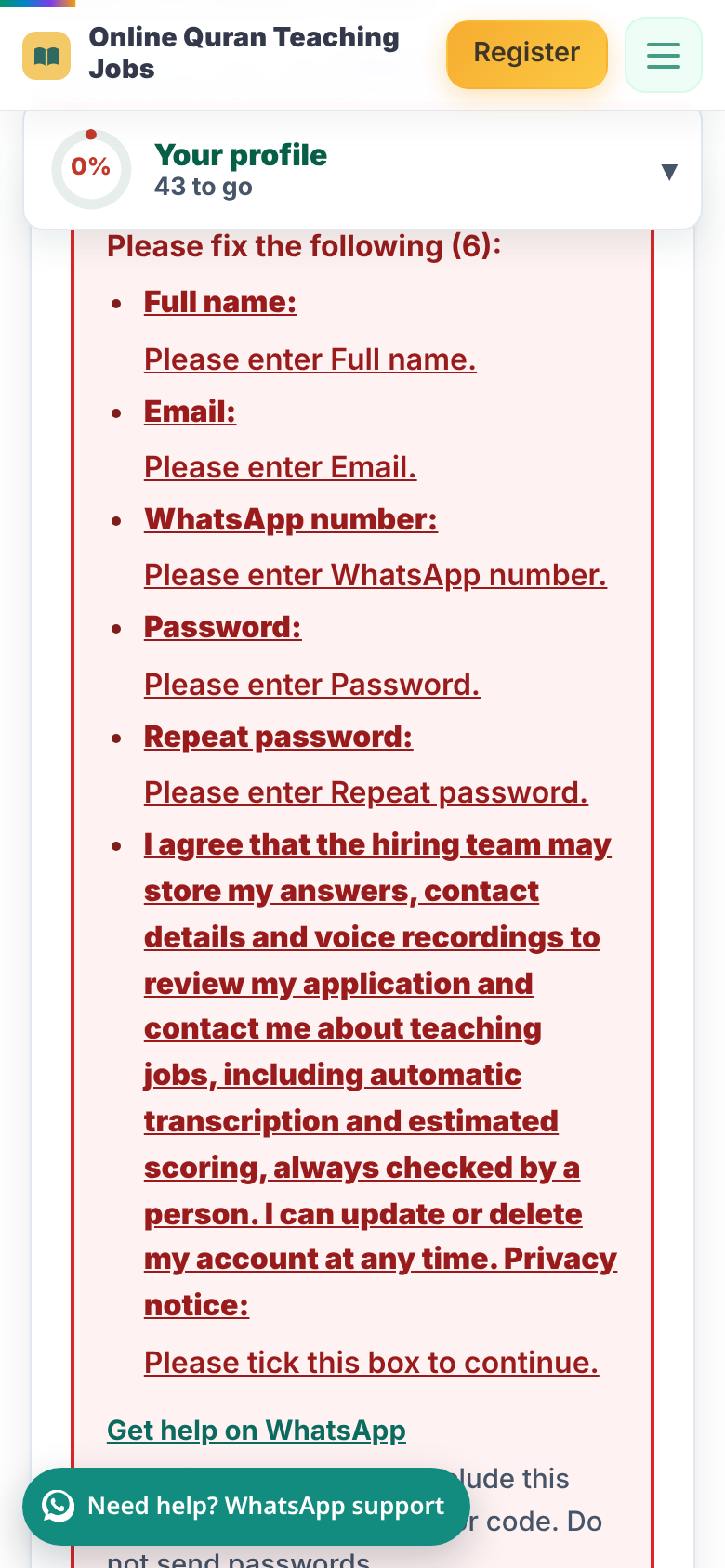
- If a form shows an error, open the red summary at the top of the form and tap Get help on WhatsApp. The message includes the page, the step and an error code such as
E-VAL. - On a teacher form, if you seem stuck, a Need help? WhatsApp us box may also appear. Use that, or go to Help & support in the portal and tap Message WhatsApp support.
Save the number in your contacts: +1 929-529-8312. Then open WhatsApp and send the first message from your side.

2. What to send
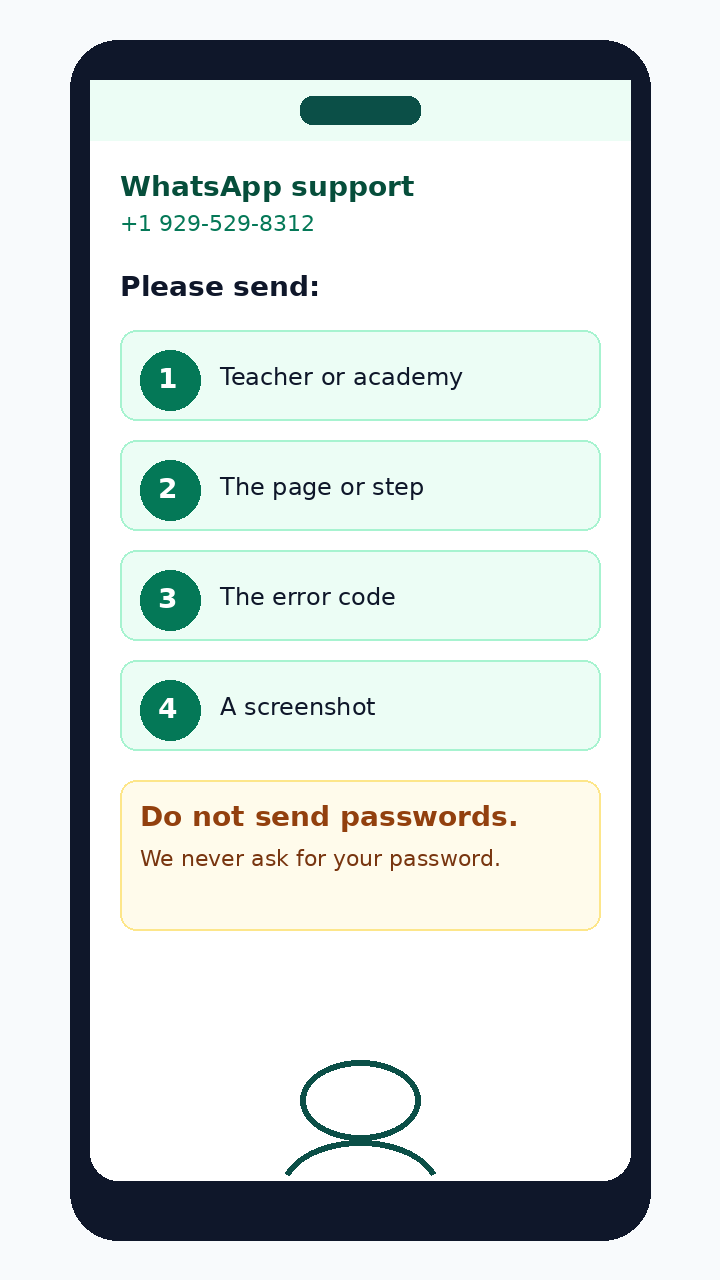
A short, clear first message helps us reply inside the window. Please include:
- Whether you are a teacher or an academy.
- The page or step (for example Step 5, academy sign in, or confirm email).
- The error code if you see one (for example
E-VAL (Official email)), or the exact error sentence. - A screenshot of the whole screen, including the error box if there is one.
3. The 24-hour reply window
WhatsApp only lets a business reply after you send the first message. That first message opens a 24-hour window. During those 24 hours our team can guide you. If the window closes, just send a new message (even a short “Assalamu alaikum, I still need help”) and the window opens again.
We aim to reply inside that window. This is technical support — not a place to apply, send a CV, or ask about pay.
4. Common fixes before you write
- The form will not save: look for the red summary at the top. It lists each field that needs a change. Fix those, then try again. See Fixing Common Application Problems.
- Microphone or recording on Step 5: open the portal in Chrome (Android) or Safari (iPhone), not inside Facebook, Instagram or WhatsApp. Or upload an audio file instead. See How to Record Your Tilawat and English Introduction.
- Forgot your password: teachers use Forgot password; academies use the Forgot password link on academy sign in. A reset email is sent only if an account matches. Check Spam. That reset email is one of the few emails we send (along with academy email confirmation). We do not send reminder emails to finish an unfinished profile.
- Pakistan address or map pin: choose Province, then District/City, then Tehsil/Town (or Other plus a short description), enter the street address, and drop the required map pin.
- Academy number not found on the website: the WhatsApp or phone number you entered must appear on your own website (including a
tel:orwa.melink). Social pages such as Facebook are not accepted as the academy website. - You cannot sign in: use the email or WhatsApp number you registered with, and try Forgot password if needed. After five failed attempts the account is locked for 15 minutes.
5. FAQ
Is there an email address for support?
No. Technical support is WhatsApp only, at +1 929-529-8312. We still send essential emails such as a password-reset link and the academy email confirmation code. We do not send reminder emails to finish an unfinished application.
Can I apply or send my recordings on WhatsApp?
No. Hiring is only through the portal at apply.onlinequranteachingjobs.com. WhatsApp is for technical help with the form.
I messaged yesterday and got no reply. What should I do?
Send a short new message on the same chat so the 24-hour window opens again, and include the step plus a screenshot.
Does the same number help academies?
Yes. Teachers and academies use the same support WhatsApp. Tell us you are an academy and which part of registration or verification you are on.
Will you ask for my password?
Never. If anyone asking to “help” wants your password, do not send it and write to this official number instead.