How Academies Register and Get Verified
Quran academies can register on our portal to browse verified teachers and listen to their recordings before contacting them. Every academy is checked by the hiring team before it can browse. This guide explains each part of the form and how verification works.
Register your academy on the official portal:
1. Website and the number on your website
- Website: type it any way you like:
youracademy.com,www.youracademy.comorhttps://youracademy.com/. The portal adds thehttps://part for you. - It must be your academy’s own website. Facebook, Instagram and other social pages are not accepted here (you can add them in the optional social links box).
- WhatsApp or phone number shown on your website: copy it exactly from your Contact page. We check that this number appears on your website, and the hiring team then contacts you on it.
- Official email: used to sign in and for notifications. Any email you use, including Gmail, is fine.
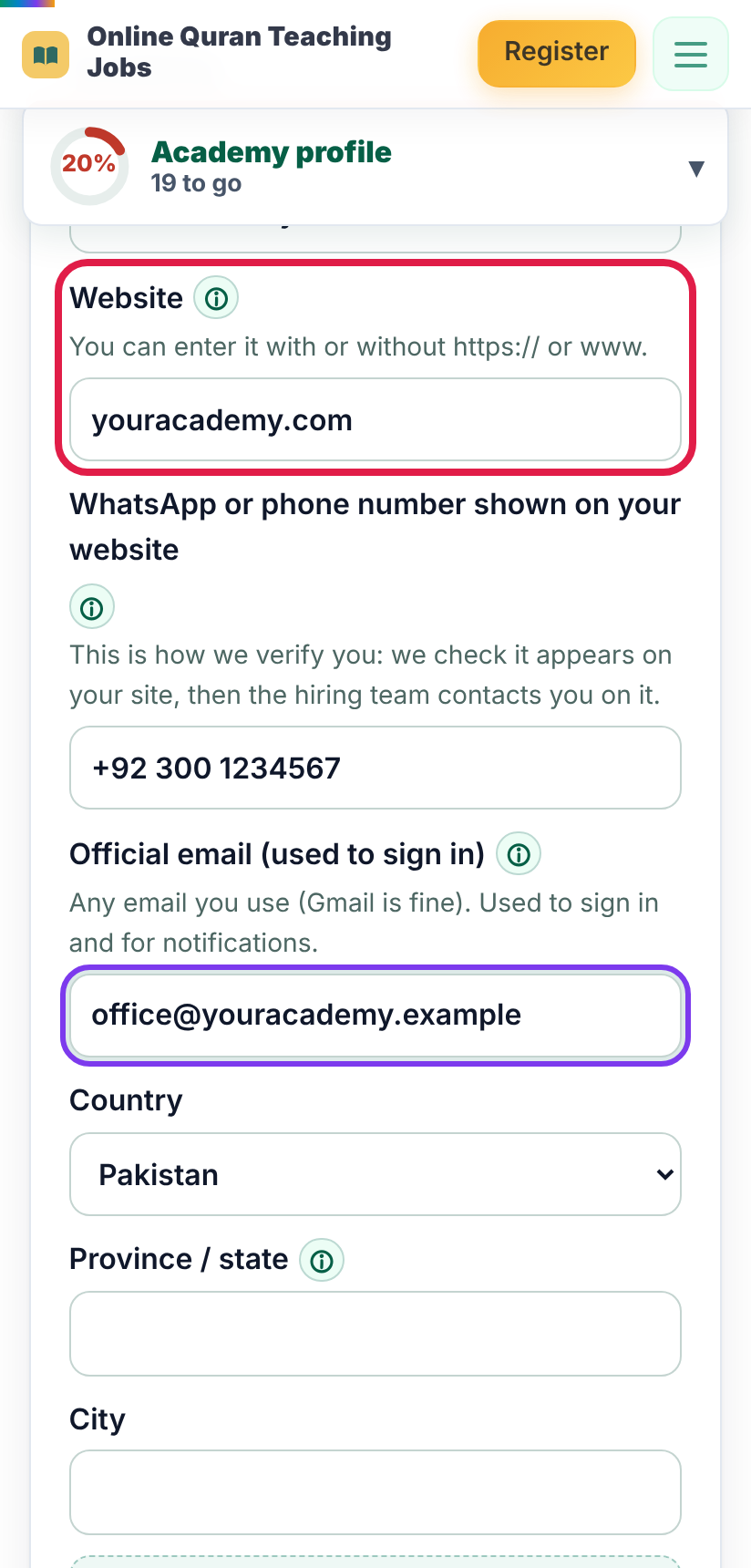
youracademy.com is accepted.2. Full address and map pin (required)
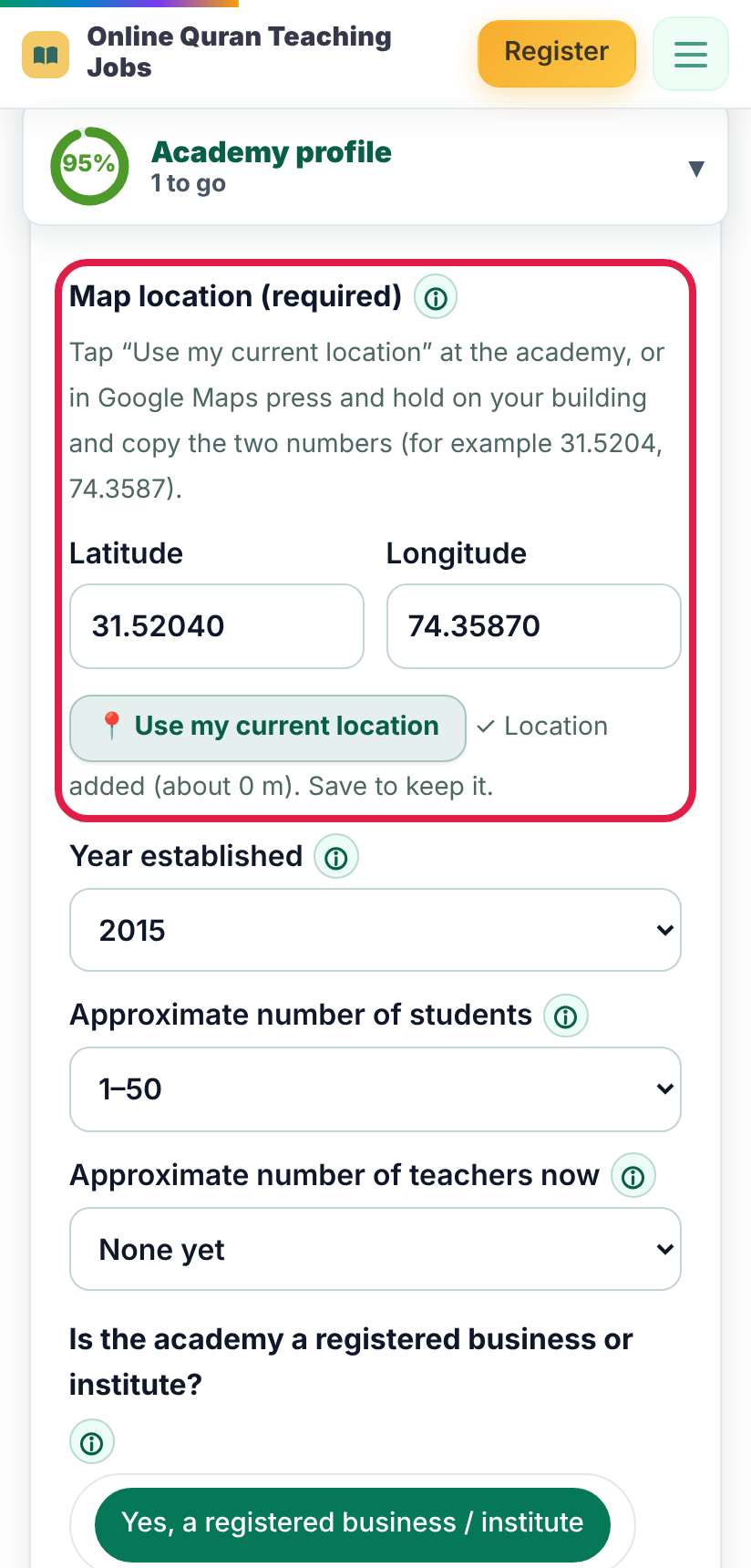
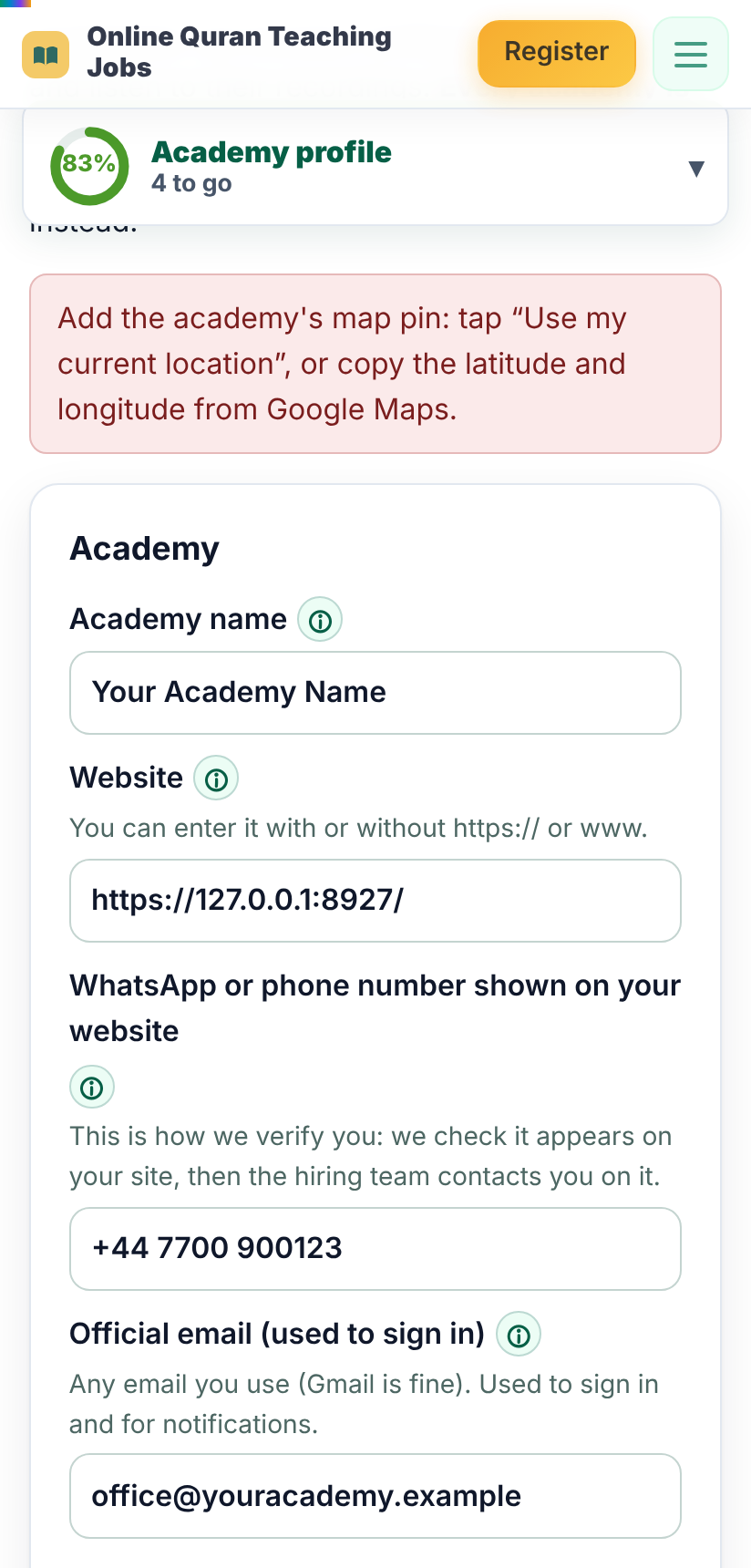
In Pakistan (required): Select your Province / Territory, District / City, and Tehsil / Town / Area / Village (or pick Other to type a village/area), enter your street address (postal code is optional), and add your map pin (used for nearest-teacher distance matching):
Outside Pakistan (online-only): Select your country — no physical street address or map pin is required.
- At the academy, tap 📍 Use my current location and allow location access. The latitude and longitude fill in by themselves.
- Or open Google Maps, press and hold on your building, and copy the two numbers shown (for example
31.5204, 74.3587) into Latitude and Longitude.
In Pakistan, the detailed address and map pin are required so we can verify the academy and sort nearby teachers by distance first. You can update them anytime from Location in the academy menu.
3. About the academy
Choose the year established, the approximate number of students and teachers, whether the academy is a registered business, how you teach (online, in person at a madrasa or institute, or both) and where most of your students are. Then add the contact person’s name and role, why you need teachers (a sentence or two), the kinds of teachers you need, and a password of at least 10 characters. Tick the two confirmations and tap Register academy.
4. Fields you can leave empty
These are optional and never stop you from registering:
- Registration / NTN / company number
- Social media or YouTube links (you can type them with or without
https://) - Registration certificate or business proof (PDF, JPG or PNG, up to 3 MB; stored privately)
- Contact person’s phone, if it is the same as the website number
- Email confirmation code (confirming your email helps, but is not required)
5. How verification works
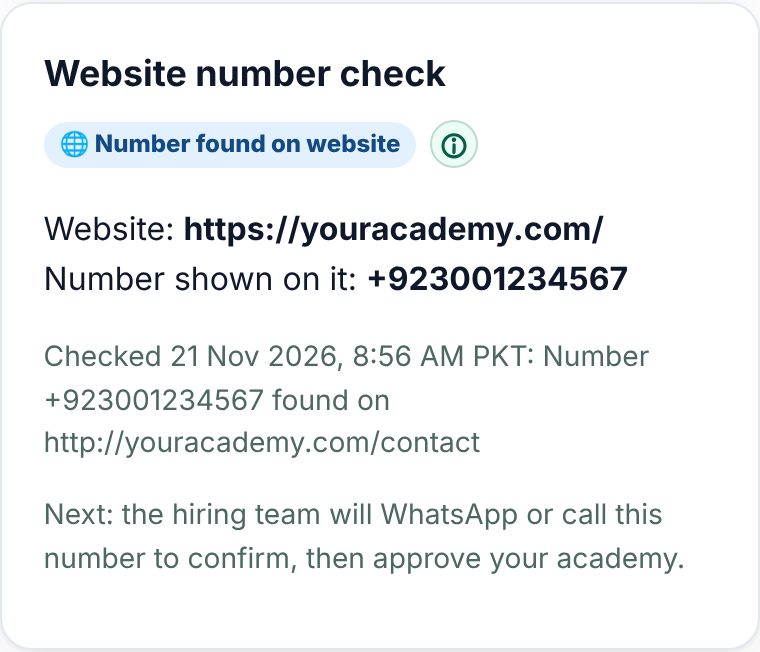
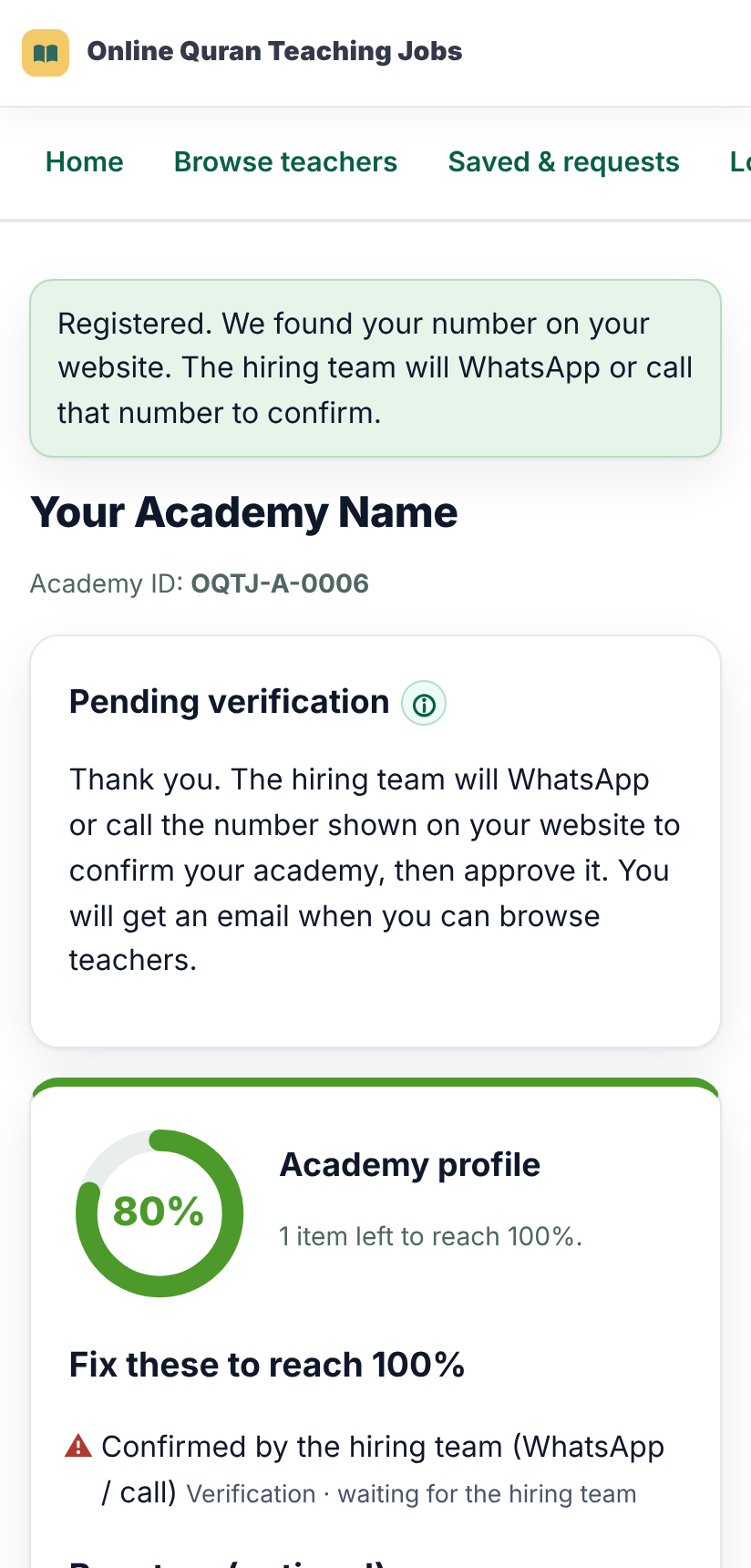
- Right after you register, the portal checks your website for the number you entered and shows Number found on website or not found yet. If it is not found, fix your website or the number and tap Check my website again.
- The hiring team then WhatsApps or calls that number to confirm the academy.
- When the academy is approved, you get an email and your dashboard shows ✓ Verified academy.
6. After you are verified
- Browse teachers who have finished their profile, nearest first, and listen to their tilawat and English introduction.
- Teachers’ phone numbers, WhatsApp and email stay private. Send a request from the portal; the hiring team approves it before contact details are shared.
- Use recordings only for recruiting. Do not download, copy or share them.
Are you a teacher? Read How to Apply instead.